561-532-2139

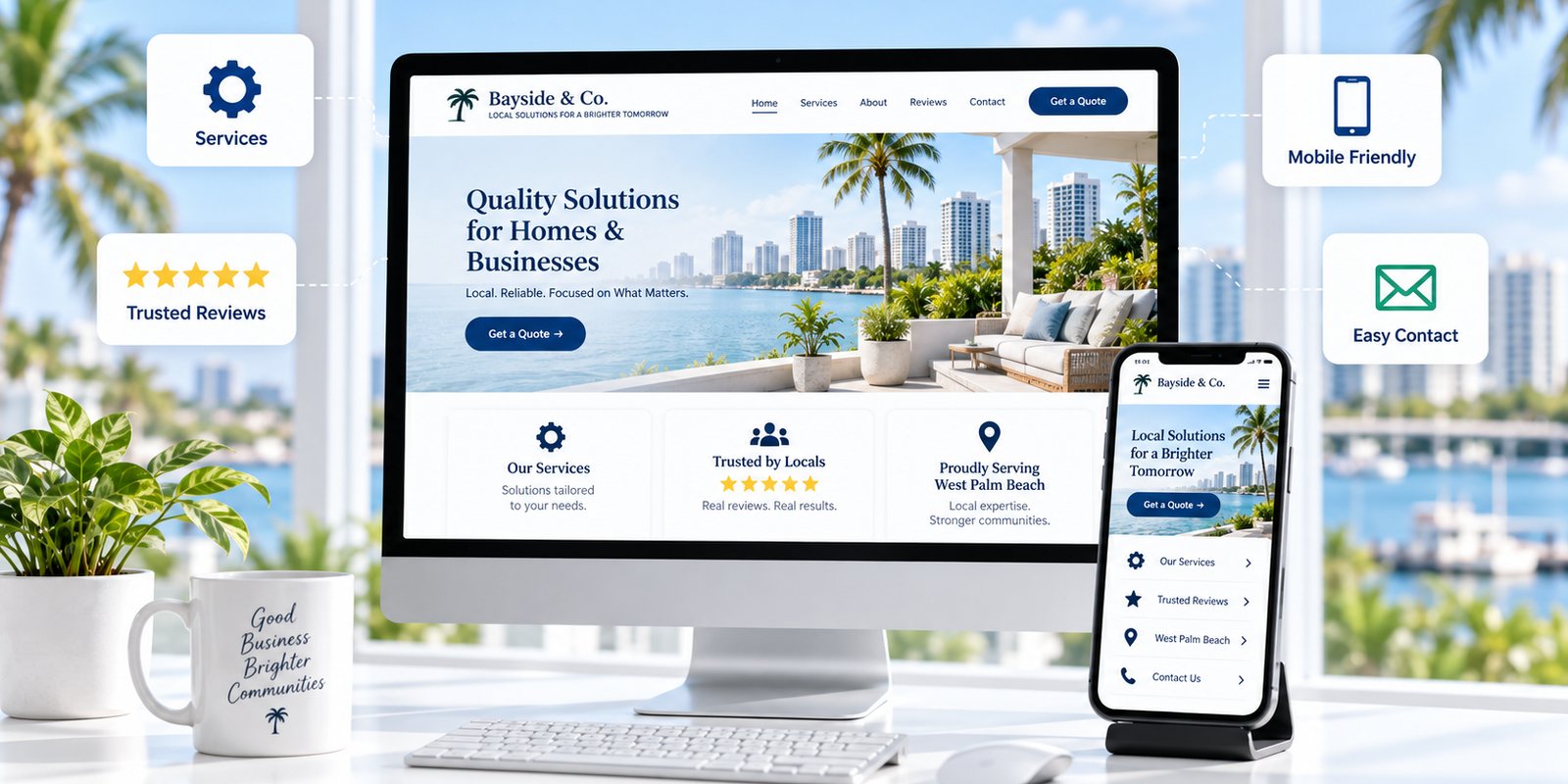

Before contacting a local business, many customers do some research first.
They may visit the website, review services, confirm the company works in their area, check customer feedback, and decide whether the business appears easy to work with. Even when someone first hears about a company through a referral, social media post, directory, or Google search, the website may become the place where that person verifies the business before reaching out.
For small businesses serving West Palm Beach, this means the website needs to answer practical questions quickly.
Can this company help me? Does it offer the service I need? Does it serve my area? Does the business appear credible? What happens if I make contact?
A thoughtful approach to small business web design in West Palm Beach can make those answers easier to find without overwhelming visitors with unnecessary information.
Customers are not usually evaluating every design detail individually. They are deciding whether the overall experience gives them enough confidence to continue.
1. Customers Want to Understand the Business Quickly
The first thing most visitors need is clarity.
A person arriving on the homepage should be able to understand the main purpose of the business without reading several paragraphs or searching through the navigation.
The opening part of the website should make the primary service or business category apparent. From there, visitors can explore individual services, company information, examples, or contact options based on what they need.
This becomes especially important for businesses that offer several services.
When every offering receives equal emphasis on the homepage, customers may struggle to determine what the company specializes in. A clearer structure introduces the business at a high level and then directs visitors toward more specific information.
Location also matters for a local customer.
Someone in West Palm Beach should not have to search through the website to determine whether the company serves the area. Geographic information should appear naturally where it helps people make that decision.
That does not mean inserting West Palm Beach into every heading or paragraph.
Useful location information answers the customer's question without making the copy repetitive.
Businesses should also avoid relying too heavily on internal terminology. Industry language may make perfect sense to the company but mean very little to a first-time customer.
Clear language is usually more useful.
A visitor should leave the first part of the website understanding what the business provides and whether continuing to explore the site is worthwhile.
2. Customers Look for Specific Service Information
Once visitors understand what the business does generally, they often want more detail.
A statement such as “we provide professional services” does not help someone determine whether the company handles a specific need.
Important services need enough information to be understood.
A home service customer may want to know whether the company performs a certain type of repair. A professional service client may want to understand which situations or industries the firm handles. A medical or wellness customer may need to confirm whether a particular service or appointment type is available.
This is where dedicated service pages can help.
They can answer questions such as:
- What does the service include?
- Who is it intended for?
- What type of problem does it address?
- What should the customer expect?
- Where is the service available?
- What is the next step?
Not every minor variation needs its own page.
The goal is to give important services enough room to be understood while avoiding multiple pages that repeat the same information with slightly different wording.
A well-organized small business website should allow visitors to move naturally from a general introduction to the service information that applies to them.
Businesses can test this by asking a simple question: Can a new visitor find the most important services from the main navigation or homepage without guessing?
If not, the site structure may be making the customer's research harder than necessary.
3. Customers Look for Evidence That the Business Is Credible
Understanding the service is only part of the decision.
Customers also want reasons to trust the company providing it.
Credibility can come from several types of information, depending on the business.
Useful examples may include customer reviews, testimonials, project examples, team information, photographs of completed work, relevant certifications, business history, or clear company contact details.
Specific evidence is generally more useful than broad claims.
A real project example gives customers something concrete to evaluate. A genuine review can provide insight into a previous customer's experience. Team information can help visitors understand who is behind the business.
By contrast, unsupported statements such as “the best,” “number one,” or “guaranteed results” may create more questions than confidence.
Businesses should only publish performance, pricing, guarantee, partnership, or other specific claims when those statements are accurate and can be supported.
Consistency is another part of credibility.
If the website displays one phone number while another important business profile shows something different, customers may hesitate. The same problem can occur when service descriptions, operating hours, addresses, or other key details conflict.
A customer should not have to determine which version of the business information is correct.
Clear, accurate information gives visitors one less reason to question whether they should make contact.
4. Customers Notice the Mobile Experience
Many customers research local businesses from phones.
That means a website can look polished on a desktop computer and still provide a poor experience to a significant portion of its visitors.
Mobile customers notice practical problems quickly.
Text may be too small. Menus may be difficult to use. Buttons can be hard to tap. Forms may require too much typing. Important information can appear too far down the page.
Each problem adds friction.
A mobile-friendly website should make common customer tasks straightforward.
Visitors should be able to read service information, find contact details, navigate between important pages, tap phone numbers, use buttons, and complete forms without unnecessary effort.
Wellington Web Designs has additional information about responsive web design and how websites need to adapt across different screen sizes.
The key issue for a small business is usability.
A customer who already believes the company may be a good fit should not have to struggle with the website before making contact.
Mobile design also affects content order.
On a desktop screen, customers may see several elements at once. On a phone, they usually move through one section at a time. The most important information therefore needs to appear in a logical sequence.
A good mobile experience makes it easier to understand the company without removing the details customers need to make a decision.
5. Customers Want a Clear Next Step
A visitor may understand the business, like the service, and trust the company but still hesitate if the next step is unclear.
The website should explain what to do when someone is ready to make contact.
That action depends on the business.
A contractor may ask customers to request an estimate. A professional service company may offer a consultation. A healthcare provider may direct visitors toward scheduling. Another business may simply ask customers to call or send a message.
The wording should match what actually happens.
A button labeled “Get Started” may sound inviting, but it does not explain whether someone is about to schedule an appointment, submit a quote request, or complete a general contact form.
More specific wording can reduce uncertainty.
Contact forms should also be reasonable.
Businesses sometimes ask for extensive information before a conversation has even started. That may be necessary in some industries, but in many cases, a shorter form is enough to determine whether a customer and business should speak.
The contact experience should support the customer's decision rather than create another obstacle.
Businesses evaluating this part of their site can review the broader Small Business Web Design West Palm Beach service information for additional context around website structure, usability, and lead-generation paths.
6. Customers Expect Information to Be Current
A website does not need to be redesigned constantly, but the information should reflect the business as it operates today.
Outdated details can create doubt.
A website may show former employees, services the company no longer offers, an old phone number, outdated operating hours, or locations the business no longer serves.
Customers cannot automatically tell which details are current.
Businesses should periodically review important website information, including:
- Service descriptions
- Phone numbers and email addresses
- Locations and service areas
- Team information
- Operating hours
- Contact forms
- Calls to action
- Reviews and project examples
- Internal and external links
The website should also keep pace with changes in business priorities.
If a company introduces a major new service but barely mentions it online, potential customers may never realize it is available.
If the business has shifted toward a different customer group, old website messaging may continue attracting inquiries that no longer fit.
Keeping information current helps align the website with the company customers will actually encounter.
It can also reveal problems that are easy to overlook. Broken links, old forms, outdated calls to action, and incomplete service information may remain unnoticed until someone reviews the website from a customer's perspective.
Wellington Web Designs works with businesses on website design, development, SEO, and related digital marketing services.
What Customers Need Before They Reach Out
Customers rarely judge a website based on one isolated element.
They form an overall impression from the information and experience presented to them.
A business may provide exactly the service someone needs, but an unclear, outdated, or difficult website can make that customer continue comparing alternatives.
The most useful improvements are often straightforward.
Make the business easy to understand. Explain important services. Provide credible information. Make the website comfortable to use on a phone. Clarify the next step. Keep important information current.
These fundamentals help customers answer the questions that come before an inquiry.
For businesses serving West Palm Beach, the website should also establish location relevance naturally without turning every page into repetitive local copy.
The goal is to help the right customers understand whether the company fits their needs.
Businesses that want to improve the broader structure and experience of their site can learn more about Small Business Web Design West Palm Beach.
Companies ready to discuss their current website can also contact Wellington Web Designs to request a Free Consultation.
Frequently Asked Questions
What do customers usually look for first on a small business website?
Most visitors first want to understand what the business does and whether it provides the service they need. Clear homepage messaging, visible services, and useful location information can help them make that determination quickly.
Why are dedicated service pages important?
Dedicated service pages give businesses room to explain important offerings clearly. They can help customers understand what a service includes, who it is for, and whether it applies to their needs without forcing them to search through unrelated information.
Do reviews help customers decide whether to contact a business?
Reviews can give potential customers useful context about previous customer experiences. They are most valuable when they are genuine, relevant, and consistent with other accurate information about the business.
How important is mobile usability for local customers?
Mobile usability is important because many customers research local businesses from smartphones. Readable content, straightforward navigation, usable forms, and accessible contact options make it easier to evaluate and contact a company.
How often should a small business update its website?
There is no single schedule for every business. A website should be reviewed when services, staff, contact information, locations, branding, or business priorities change, along with periodic checks for outdated information, broken links, or forms that no longer work.