561-532-2139

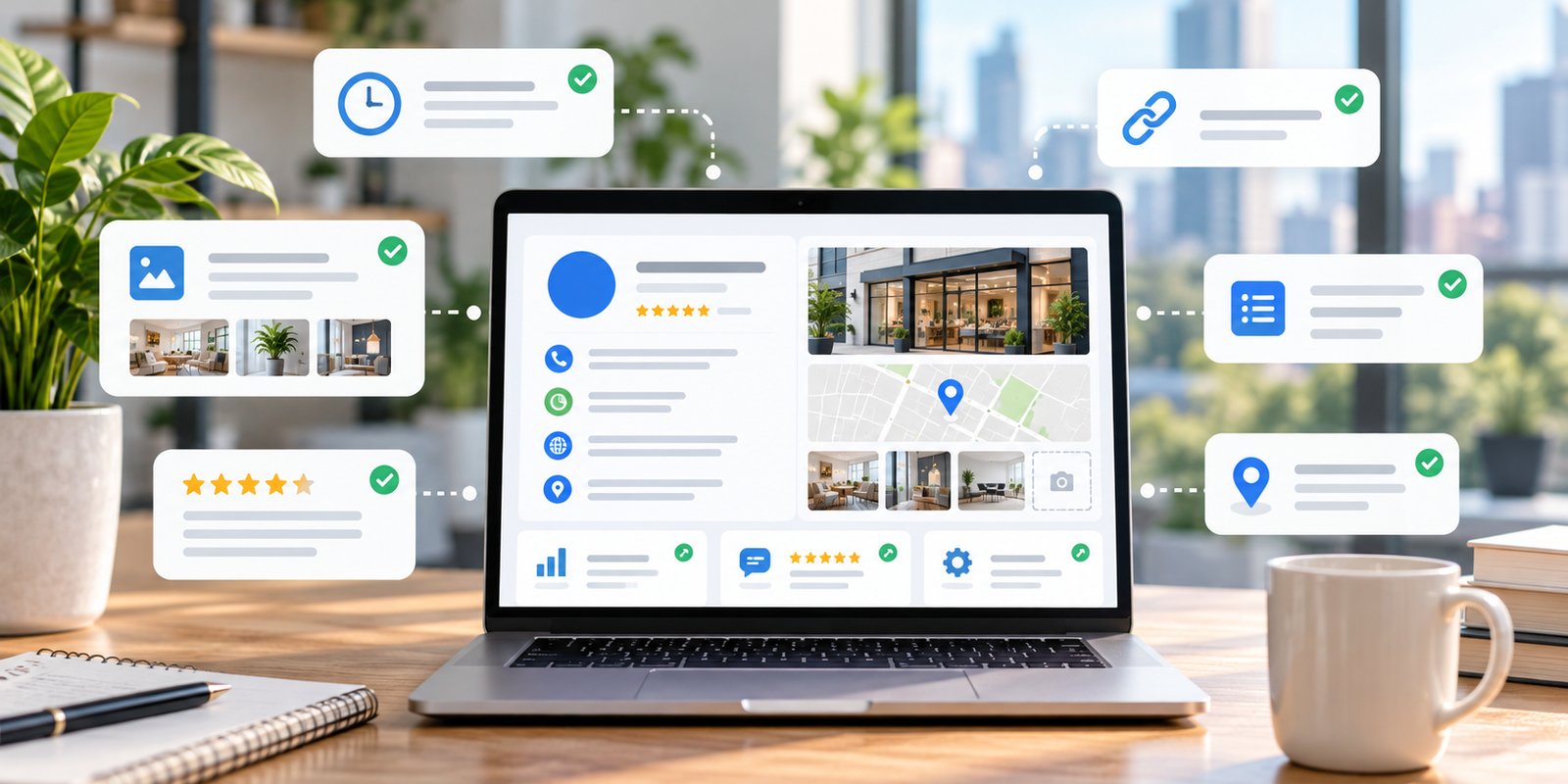

A Google Business Profile should reflect the business customers are dealing with today, not the business as it looked when the profile was first created.
Hours change. Services evolve. Websites are redesigned. Teams move. Service areas expand or contract. New photos become available, and customer reviews continue to appear.
For local businesses, keeping the profile current is an ongoing responsibility rather than a one-time setup task.
That does not mean making changes simply to keep the profile active. The more useful approach is to review important customer-facing information regularly and update it when something has genuinely changed.
A practical maintenance routine can help customers find reliable information and keep the profile aligned with the business’s website and real-world operations.
1. Review Core Business Information Regularly
Start with the information customers are most likely to rely on.
That usually includes:
- Business name
- Phone number
- Website
- Address
- Service area
- Business category
- Regular hours
- Services
These details may appear simple, but they affect basic customer decisions.
A phone number that no longer reaches the right person can interrupt an inquiry. A website link that points to an old or deleted page creates unnecessary friction. An outdated address can cause much larger problems for a business that receives customers in person.
Core details should be reviewed whenever the business changes and checked periodically even when no obvious change has occurred.
The goal is not to edit information for the sake of activity. It is to confirm that what customers find on Google still matches how the business actually operates.
This is also a useful time to compare the profile with the website. Important business facts should agree across both places.
2. Update Regular and Special Business Hours
Hours are among the most practical pieces of information on a local profile.
Customers may check Google immediately before calling, visiting, or planning an appointment. That makes incorrect hours especially frustrating.
Businesses should review their standard schedule whenever operating hours change.
Special hours also deserve attention.
Holiday schedules, temporary closures, special events, or other short-term changes can create situations where normal weekly hours no longer apply. Updating those dates gives customers a clearer picture of when the business is actually available.
Some businesses may also have different hours for particular services.
The important point is to make sure the profile reflects the schedule customers should reasonably expect.
This should be part of seasonal planning rather than an afterthought. Before major holidays or known schedule changes, review what Google shows and update anything that will differ from the normal week.
Accurate hours are a small maintenance task with a direct customer benefit.
3. Check Categories, Services, and Service Areas as the Business Changes
A business may not offer exactly the same services forever.
New services can be added. Others may be discontinued. A company may shift toward a more specialized offering or begin serving a different part of the local market.
The Google Business Profile should keep pace with those changes.
Categories should continue to describe the core business accurately. Additional categories should remain relevant rather than staying on the profile simply because they were selected years earlier.
Service information should also reflect what customers can currently request.
The same applies to service areas.
A company that travels to customers should represent the areas it genuinely serves rather than keeping old cities or postal areas that are no longer practical. If the business expands, newly served areas may also need to be reflected.
For a West Palm Beach business, these updates help customers understand whether the company is a realistic option for their location and need.
Profile maintenance works best when it follows real operational changes rather than trying to create an artificial search footprint.
4. Review Website Links After Site Changes
A website redesign can improve the online experience while accidentally creating problems elsewhere if old links remain in the Google Business Profile.
Whenever important website URLs change, review the profile.
The main website link should still lead to an active and useful page. Any other available links should also lead to destinations that still exist and make sense for customers.
This is especially important when:
- A website moves to a new domain
- Service-page URLs change
- A new contact page is created
- Booking or appointment systems change
- An old landing page is removed
- Redirects are changed
Broken or irrelevant links create a poor transition from Google to the website.
The profile and website serve different functions, but they should feel connected.
Businesses reviewing that connection can also consider whether the website itself gives visitors a clear next step once they arrive. Wellington Web Designs’ Lead Generation Services West Palm Beach page provides broader context on connecting online visibility with website inquiries.
5. Refresh Photos When They No Longer Represent the Business
Photos can become outdated even when they are still technically accurate.
An office may have been renovated. Team members may have changed. A contractor may have stronger examples of recent work. A retailer may now carry different products.
A periodic photo review can help identify images that no longer give customers a useful picture of the business.
The goal is not to upload something new on an arbitrary schedule.
Instead, update visual information when there is something meaningful to show.
Useful examples may include:
- Current storefront or office images
- Recent project examples
- Updated team photos
- Current products
- Service environments
- New equipment or facilities when relevant
Businesses should prioritize clear, genuine images that help potential customers understand what they can expect.
Older photos do not always need to be removed simply because they are older. The question is whether the current collection still represents the business accurately.
That customer-first approach is more useful than treating photo uploads as a routine search-engine tactic.
6. Monitor Reviews and Respond Professionally
Profile maintenance also includes paying attention to customer feedback.
New reviews can appear at any time, and businesses should have a reasonable process for noticing them.
That does not mean every response needs to be immediate or lengthy.
Positive reviews can be acknowledged naturally. Critical reviews can be addressed calmly when a response is appropriate. The business should avoid sharing private information or turning a public response into an argument.
A review process can be simple:
- Check for new feedback.
- Identify reviews that deserve a response.
- Reply professionally.
- Note recurring themes that may deserve attention inside the business.
Reviews can provide more than reputation information. Repeated customer questions or concerns may also reveal areas where the website, service descriptions, or customer communication could be clearer.
The objective is not to manufacture a perfect-looking profile. It is to maintain a credible customer-facing presence based on genuine feedback and professional communication.
7. Watch for Profile Changes and Unexpected Updates
Businesses are not always the only source of information affecting a Google Business Profile.
Google may receive information from users and other sources and can sometimes suggest or apply updates to profile details.
That makes periodic review worthwhile even when the business itself has not intentionally changed anything.
Check whether important information still appears as expected.
Pay particular attention to:
- Business category
- Hours
- Address
- Phone number
- Website
- Business status
- Other important customer-facing details
If something has changed unexpectedly, review it rather than assuming the profile always reflects the last information the business entered.
This is another reason Google Business Profile maintenance should be treated as an ongoing process.
Businesses do not need to check every field every day. A regular review gives the company an opportunity to identify changes before outdated or incorrect information creates prolonged customer confusion.
For broader profile setup and optimization guidance, see Google Business Profile Optimization West Palm Beach.
8. Use a Simple Maintenance Routine
Google Business Profile maintenance does not need to become a complicated weekly project.
A practical routine can be built around business changes and occasional scheduled reviews.
For example:
When something changes:
Update hours, services, phone numbers, website links, location information, or service areas as soon as the new information becomes relevant.
Before holidays or schedule changes:
Review special hours and other customer-facing availability information.
Periodically:
Check categories, services, photos, reviews, links, and major business details for accuracy.
After a website redesign or move:
Review every profile field that connects to the old website or location.
When Google indicates an update:
Check what changed and confirm whether the new information accurately represents the business.
This keeps the profile tied to real operations instead of an arbitrary posting schedule.
The goal is consistency between what customers see on Google, what they find on the website, and what they experience when they contact the company.
A maintained profile can support that customer journey, but it should still be viewed as one part of the broader online presence rather than a guaranteed ranking tool.
If your business needs help reviewing how its Google Business Profile and website work together, schedule a Free Consultation with Wellington Web Designs.
Frequently Asked Questions
How often should I update my Google Business Profile?
Update the profile whenever important business information changes. It is also useful to review it periodically for accuracy, particularly before holidays, after website changes, or when services, hours, categories, locations, or contact information change.
Should I change my Google Business Profile regularly even if nothing has changed?
No. There is no need to make unnecessary edits simply to create activity. The priority should be keeping customer-facing information accurate and updating the profile when there is a real business change or useful new information.
What should I check after redesigning my website?
Review the website link and any other profile links that may point to pages on the old site. Make sure visitors still reach active, relevant destinations and that business information remains consistent between the profile and website.
Should I update my Google Business Profile for holiday hours?
Yes. If operating hours differ for a holiday or other temporary period, updating special hours can help customers understand when the business will actually be open or closed.
Can Google change information on my Business Profile?
Google may update profile information using information from different sources. Businesses should periodically review their profiles and check notifications or unexpected changes to make sure important customer-facing details remain accurate.